

Maker Build ~ MAker 跟住砌系列
~
Maker Build ~ MAker 跟住砌系列 ~
Don’t just learn tools.
Learn the full creative workflow.
From Concept to Reality.
Build More Than Just Projects.
從概念到實物,啟發創造力
Designed for ages 10-80 , our hands-on STEAM beginner program takes learners beyond assembling kits. By following the real product creation workflows, they learn to design, prototype, code, and build—turning ideas into functional creations they can proudly use and share.
為 10–80 歲學員設計的 STEAM 入門實作課程。我們不只教大家砌一件作品,更希望帶大家經歷一次真實的創作 Workflow。由設計、建模、Prototype、編程,到完成作品,學員會跟隨真實產品開發流程,一步一步將腦海中的想法,變成真正屬於自己嘅創作。
Our Philosophy
At Maker Build Program, we believe the best way to learn is by following the procedures through hands-on creation. Students experience an authentic product creation workflow—from concept implementation and 3D design to coding, prototyping, and final assembly—turning creative ideas into real, functional creations. Our goal is not simply to complete one project, but to give students the confidence and ability to create the next one.
在 Maker 跟住砌系列,我們相信,最有效的學習方式,就是透過親手製作,跟隨真實的創作流程一步一步完成作品。學員將親身體驗完整的產品創作 Workflow——由概念實現、3D 設計、程式編寫、Prototype 製作,到最後組裝完成,將創意一步一步化成真正可運作、可使用的作品。我們的目標,不只是完成一個 Project,更希望學員建立信心與能力,讓他們完成下一個、再下一個屬於自己的創作。
The Maker Workflow
Making is where creativity meets engineering. It’s not just about learning tools — it’s about understanding how to turn ideas into real, working objects.
動手創造,是創意與工學的結合。
重點不單只是學習工具,而是真正理解如何將想法變成能實際運作的實物。
-
![]()
01 | Idea Development
Start with observation and imagination. Learn how to transform ideas into practical product concepts.
從生活觀察與創意出發,學習整理想法,建立可實現的產品概念。 -
![]()
02 | Prototyping
Bring digital models to life through 3D printing, then refine them through testing and iteration.
透過 3D 打印技術,將數碼模型變成實體原型,並持續測試與改良。 -
![]()
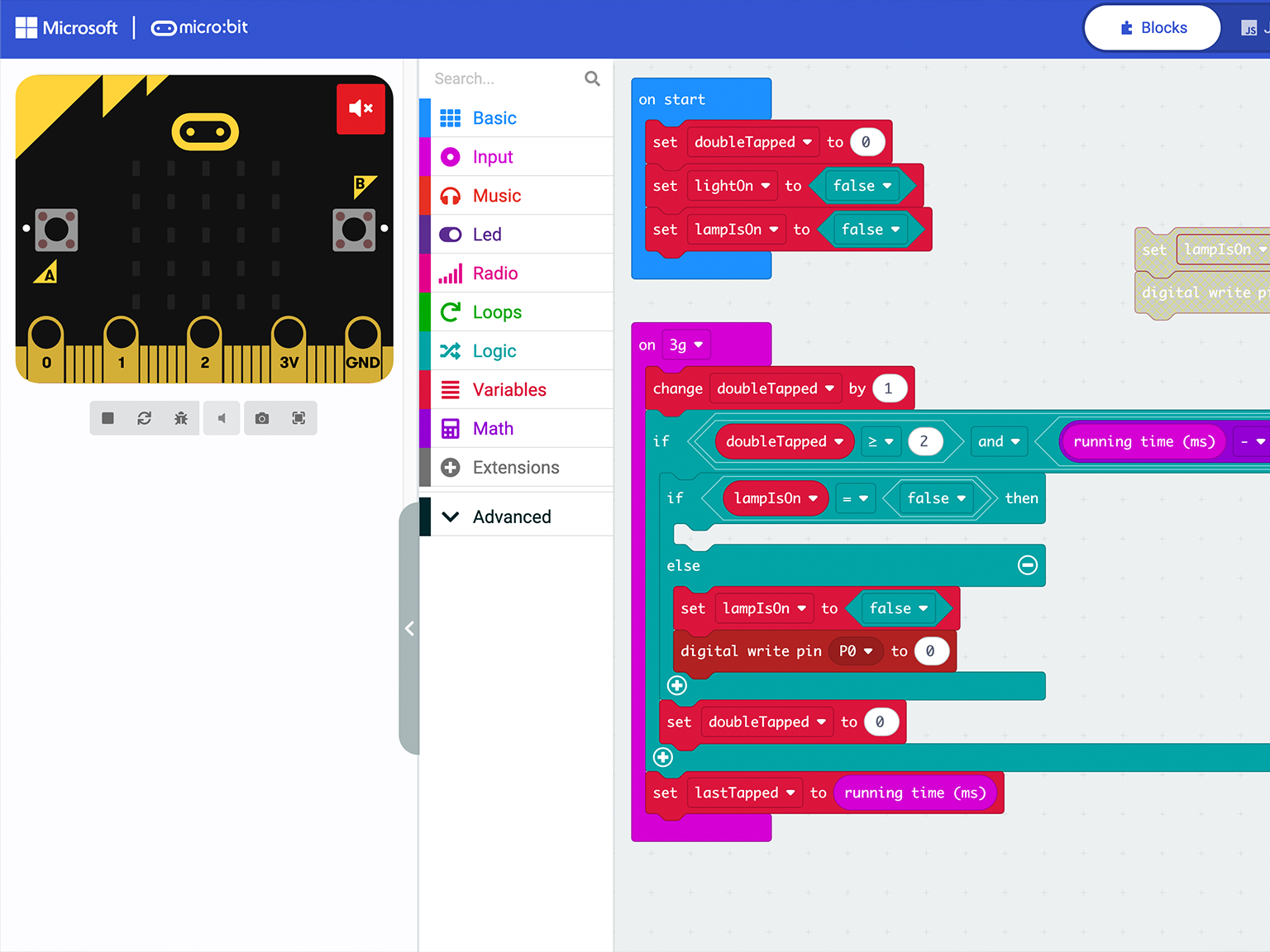
03 | Coding & Control
Learn Micro:bit programming to add interactivity and bring creations to life.
學習 Micro:bit 編程,為作品加入互動功能,讓創意真正「動起來」。 -
![]()
04 | Visual Design
Combine aesthetics, functionality to build a product.
結合美感、功能與個人創意,製作外觀與細節。 -
![]()

05 | 3D Modeling
Use professional 3D software to transform creative ideas into digital models ready for fabrication.
運用專業級 3D 軟件,將創意建立成可製作的數碼模型。 -
![]()

06 | Assembly & Testing
Assemble, test, and debug every component to complete a fully functional creation.
完成電子組裝、功能測試與除錯,親手完成一件真正可運作的作品。

Project Modules
實戰專題模組
Every module revolves around creating a practical gadget for everyday life. Each project is a standalone course where learners would follow our guidience and experience the complete Maker Workflow—from idea to finished product—and bring home a fully functional creation.
每個模組均圍繞一件實用生活 Gadget 而設計,學員將跟隨製作程序完整體驗一趟 Maker Workflow,從創意發想、設計、製作到完成作品,並將親手創造的實用成品帶回家。


Module 01 : Long Cat Double Tap Lamp
Module 02 :
Coming Soon...
-
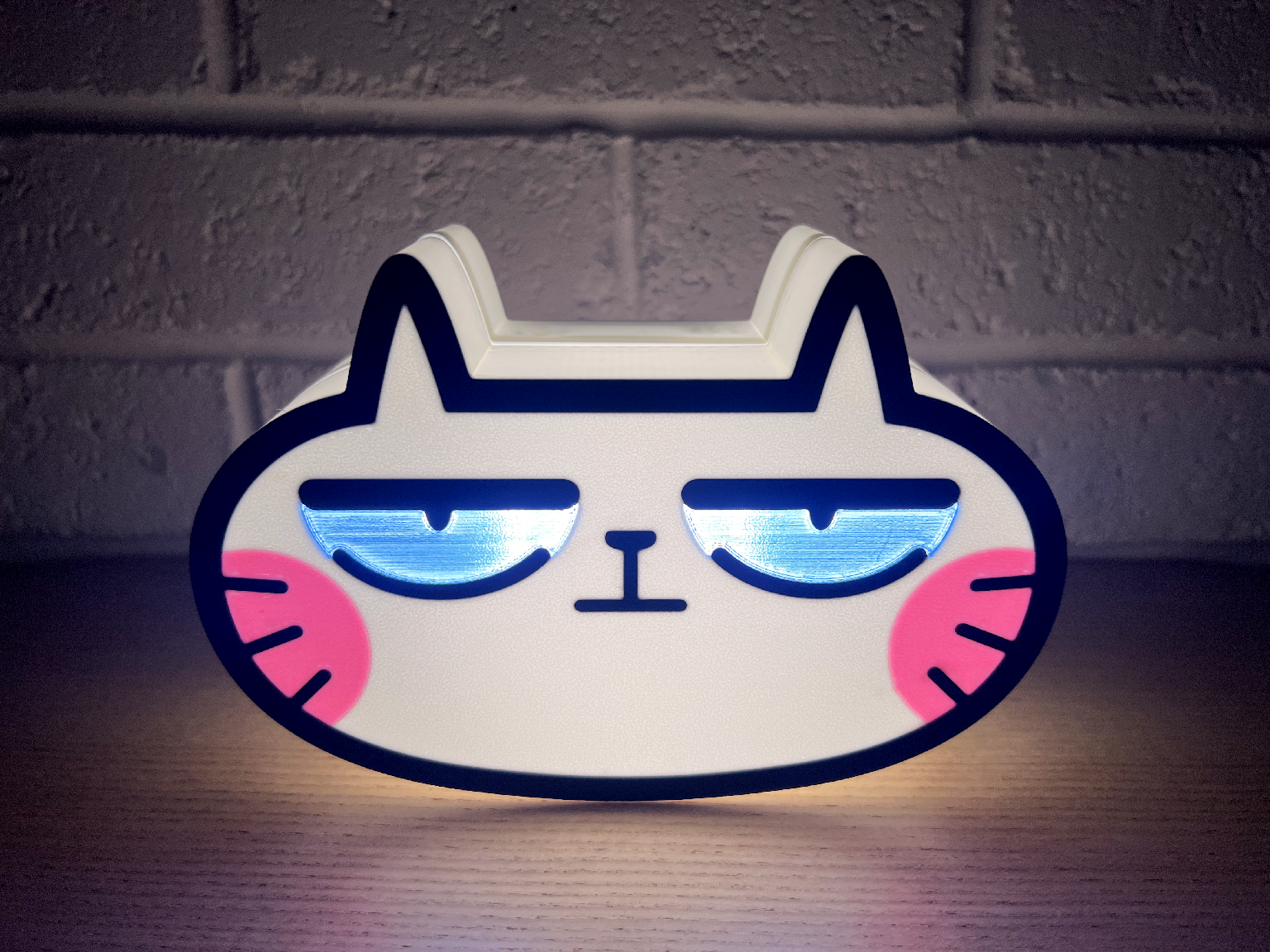
Build your own bedside longcat smart lamp powered by Micro:bit. Students learn double-tap detection, timers, 3D production, and digital fabrication while creating a long cat double tap lamp they'll actually use every night.
利用 Micro:bit 製作屬於自己的長喵智能床頭燈,學習雙擊感應、計時器邏輯、3D 製造及數碼製造,創造一盞真正會每日使用的長喵拍拍燈。
Highlights 課程特色
Beginner-friendly programming 編程邏輯簡單易學
Color customizable for the lamp 長喵燈可以自選列印顏色
A practical gadget for everyday use 完成一件真正實用的生活 Gadget
Duration 課程時數
4 Lessons • 2 Hours per Lesson
共 4 堂,每堂 2 小時Take Home 完成後可帶走
A fully assembled Double Tap Lamp, Micro:bit controller, and all electronic components.
智能拍拍燈一套、Micro:bit 主控板及全套電子配件。
More exciting gadgets are currently in development.
Stay tuned for the next challenge !
更多充滿創意與挑戰性的 Maker Projects 正在研發中,敬請期待!
Course Information & Registration
-
-
Aug 4, 6, 1, 13
Tue / Thu 1030-1230 -
Aug 18, 20, 25, 27
Tue / Thu 1030-1230 -
-
Aug 5, 12, 19, 26
Every Wed 1930-2130
課程詳情與報名
📅 August 2026 Class Schedule | 2026年 8 月課程時間表
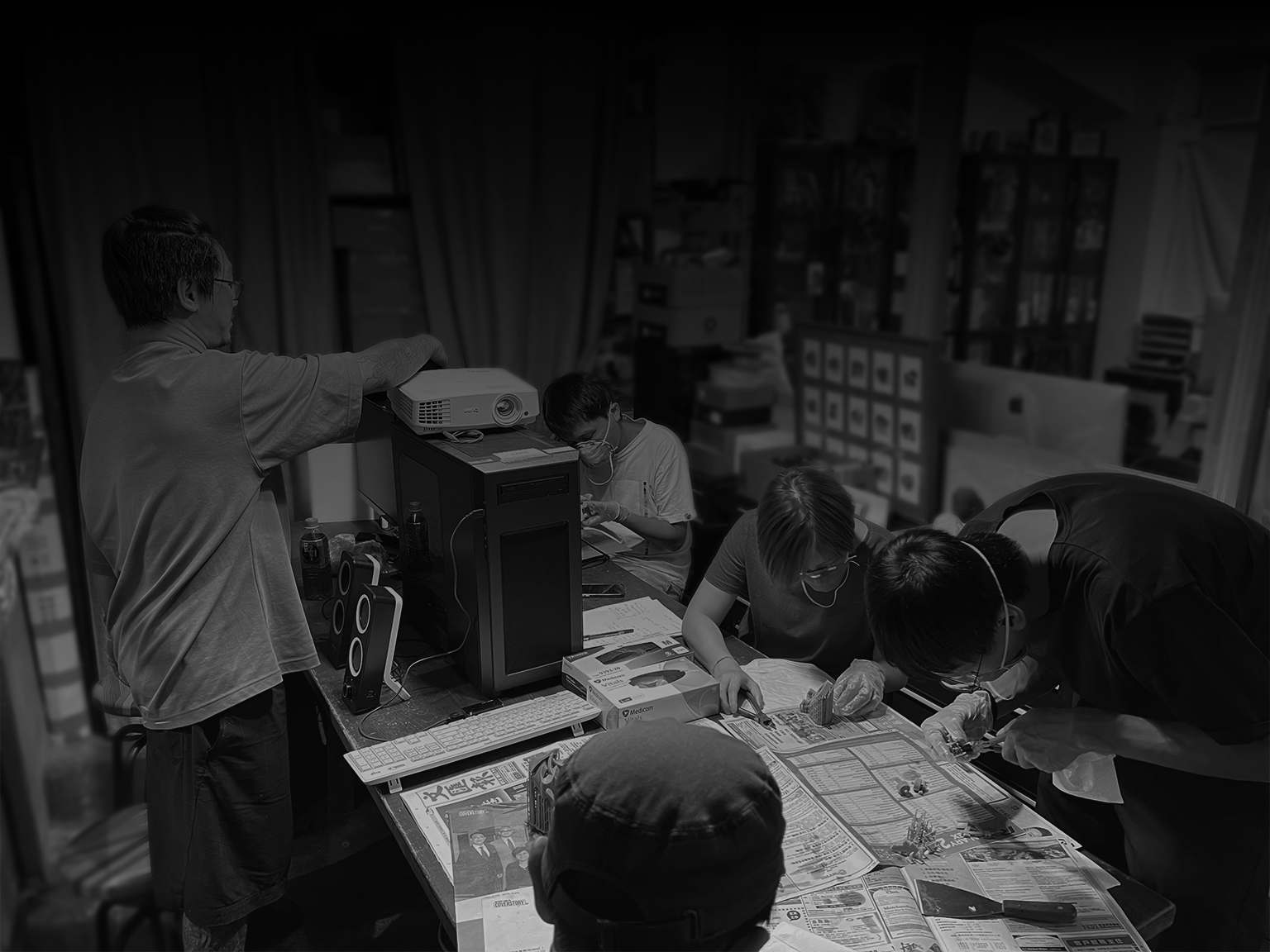
Maker Build Program is taught by Kit Man, founder of Makerpedia HK.
With 23 years in design, 7 years of 3D making, and 3 years of secondary school teaching, Kit combines real industry experience with practical teaching.
All classes are conducted in small groups, ensuring every student receives individual guidance and hands-on support throughout the course.
Maker 跟住砌系列 由 Makerpedia HK 創辦人 Kit Man 親自教授。
Kit 擁有 23 年設計經驗、7 年 3D 製作經驗及 3 年中學教學經驗,結合業界實戰與教學技巧,帶領學生輕鬆掌握創作流程。
課程採用 小班教學,讓每位同學都能獲得充足指導、即時解答及實作支援。
Learn from an Industry Creator
Course Details
Total Duration: 8 Hours of Hands-on Classes
總時數:8 小時實戰課Target Audience: Course content for Ages 10-15
課程內容對象:10-80 歲Prerequisites: No prior experience needed
經驗要求:無需任何經驗Location: Kwun Tong MakerPedia HK Studio
地點:觀塘自造百科工作室
觀塘成業街 15-17 號成運工業大廈 5 樓 14 室Tuition Fee: HKD 2,800 ( + 350 electronic / material fee )
學費:HKD 2,800 ( + 350 電子 / 材料費 )An additional charge of half the lesson fee applies to any make-up classes requested for absences.
缺席補課須另付該堂一半費用Discount: 10% off for group enrollments of 5 people
5 人同行報名可享 9 折優惠
課程資訊
Required Equipment
Please Bring 請於上課前自備:
PC / MAC Laptop 手提電腦
Mouse with wheel 附滾輪的實體滑鼠
And Please Install and register for an account
請預先安裝並申請好戶口:
Fusion 360( Personal License - free )https://www.autodesk.com/products/fusion-360/personal
BambuStudio ( free) https://bambulab.com/en/download/studio
Micro:bit platform( register for an account only ) https://makecode.microbit.org/